
Why a journal
Tracking a Topstep
account.
The Topstep Trading Combine is a single-step evaluation with two numbers that end accounts: a Maximum Loss Limit that trails your end-of-day balance but is enforced in real time including open positions, and a consistency target that caps your best day at half the profit target. The TopstepX platform shows your current buffer. It does not show the patterns that spend it.
A journal does. TopstepX has a built-in CSV export, so getting your trades into FreeTradeJournal takes a minute — and then you get daily P&L, win rate by contract and session, an equity curve against the trailing floor, and notes tied to the days that hurt.
The free plan covers it: unlimited logging, CSV import, analytics, and a prop firm tracker. Here are the current Combine rules and the exact export steps.

Topstep at a glance
- Account sizes
- $50K, $100K, and $150K Trading Combines
- Profit target
- $3,000 / $6,000 / $9,000 by account size, with no time limit
- Daily Loss Limit
- Optional in the Combine since 2026: fixed at $1,000 / $2,000 / $3,000 if chosen at purchase. Hitting it flattens positions and blocks trading until the next session, but is not a violation. Mandatory on Live Funded accounts
- Maximum Loss Limit
- $2,000 / $3,000 / $4,500 — trails your end-of-day balance upward, is enforced in real time including unrealized P&L, and locks at breakeven once it reaches the starting balance
- Profit split
- 90/10 on every approved payout (the old 100%-of-first-$10K structure applies only to accounts from before 12 Jan 2026)
Rules verified 10 August 2026. Full table below.
The rules
What Topstep
makes you track.
| Account sizes | $50K, $100K, and $150K Trading Combines |
| Profit target | $3,000 / $6,000 / $9,000 by account size, with no time limit |
| Consistency target | Your best single day must stay below 50% of the profit target |
| Maximum Loss Limit | $2,000 / $3,000 / $4,500 — trails your end-of-day balance upward, is enforced in real time including unrealized P&L, and locks at breakeven once it reaches the starting balance |
| Daily Loss Limit | Optional in the Combine since 2026: fixed at $1,000 / $2,000 / $3,000 if chosen at purchase. Hitting it flattens positions and blocks trading until the next session, but is not a violation. Mandatory on Live Funded accounts |
| Minimum trading days | None fixed — the consistency rule makes 2 profitable days the practical minimum |
| Profit split | 90/10 on every approved payout (the old 100%-of-first-$10K structure applies only to accounts from before 12 Jan 2026) |
| Payouts | Express Funded: after 5 winning days of $150+, up to 50% of balance with caps by account size. Live Funded: no dollar cap, and daily payouts unlock after 30 winning days |
| Platform | TopstepX only for new Combines (NinjaTrader, Tradovate, and TradingView were dropped in 2025); Quantower connectable for Combine and Express Funded |
Rules verified against help.topstep.com on 10 August 2026. Topstep has changed its platform lineup and payout policy several times — check their help center for the current numbers on your account.
How FreeTradeJournal helps
Every rule,
tracked for you.
Equity curve against the trailing floor
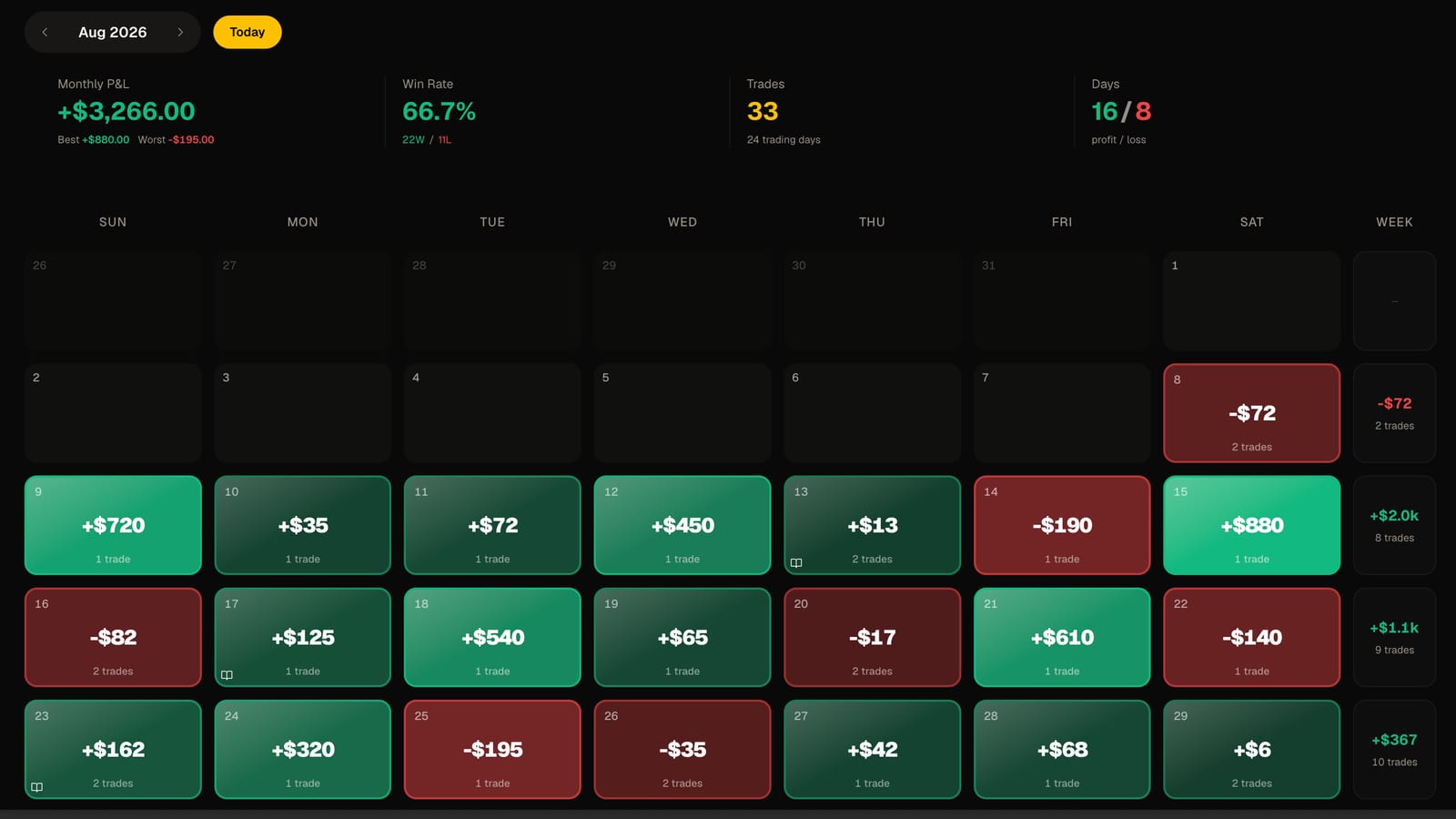
The Maximum Loss Limit follows your best end-of-day balance until it locks at breakeven. Your equity curve and daily closes show exactly how much buffer each day added or spent.
Best-day share for the consistency target
The daily P&L breakdown makes it obvious when one day is carrying more than half your progress, so you know whether you need more trading days before passing.
Daily P&L discipline
Whether or not you bought the optional Daily Loss Limit, seeing each session's net result against a personal daily cap is how you avoid the one red day that resets a Combine.
The true cost of your Combines
PropTracker logs every Combine subscription, reset, and payout, so you know your real net result with Topstep across attempts — not just the current account's balance.
A record of the bad days
Journal entries with emotion tags tie your notes to actual trades, so a failed Combine becomes something you can study instead of repeat.
Getting your trades in
Import from
TopstepX.
TopstepX has a built-in CSV export, which makes it one of the easiest platforms to journal from:
Log into TopstepX at topstepx.com/trade.
Open the Trades tab at the bottom of the platform (use Trades rather than Orders for your fill history).
Click Export at the bottom-right of that panel.
Pick your date range and click Export again — the CSV downloads straight from the platform.
In FreeTradeJournal, open Trades and use Import CSV. The column-mapping step lets you match TopstepX's columns in a few clicks.
Re-export with a fresh date range whenever you want to top the journal up; duplicate trades are flagged on import.
Track your Topstep account free
No credit card. Import your trades and see your stats in minutes.
Guides
Reading for Topstep traders
Import walkthroughs and evaluation habits from the blog, written by the person who builds the journal.
Prop firms2 min read
How to pass a Topstep combine, the part nobody talks about
Failing a combine is not the problem. Not learning from it is.
Read post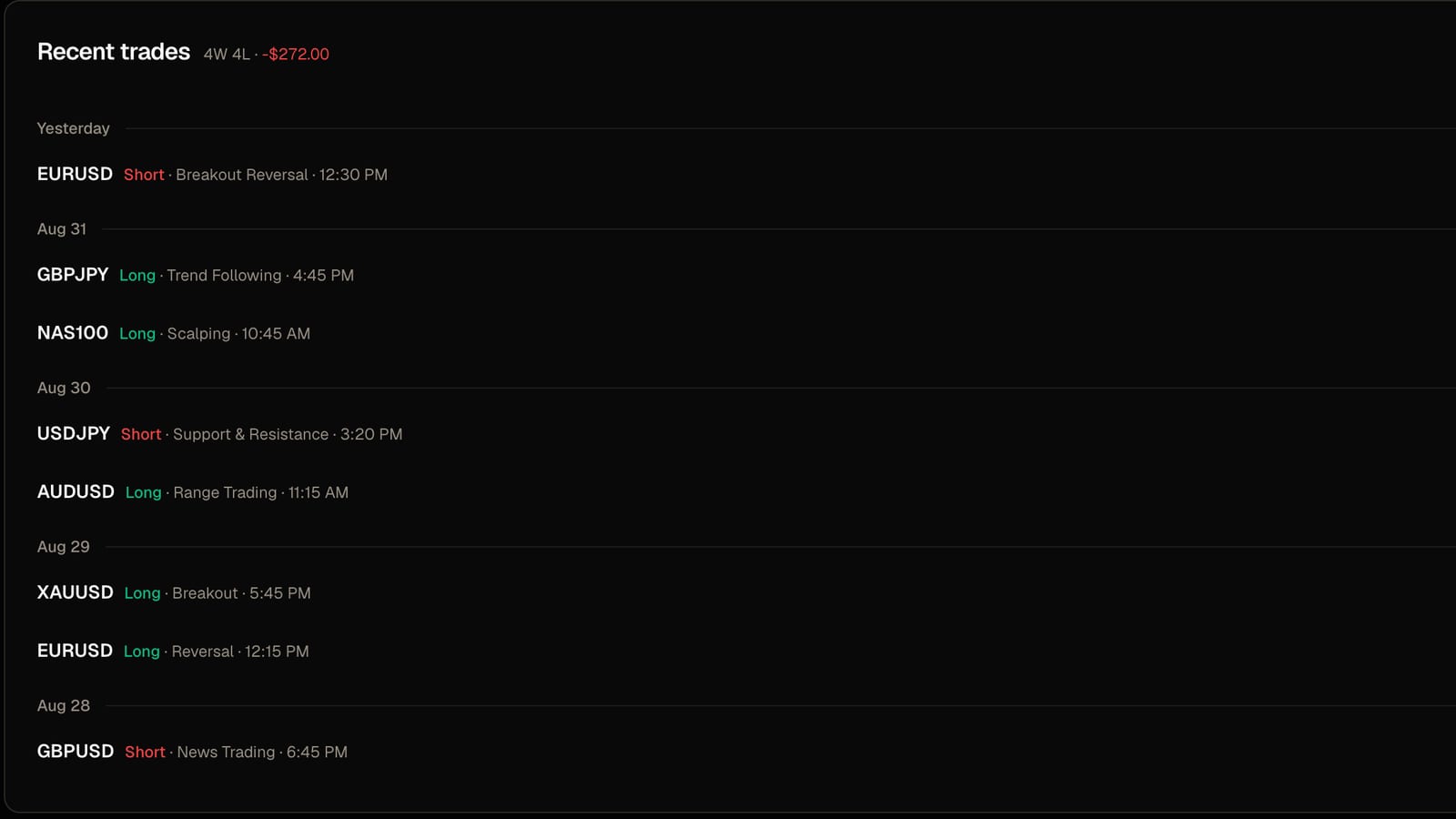
Imports3 min read
How to import Tradovate and NinjaTrader trades into a journal
Which file to export, what the importer does with your fills, and the one setting that stops your trades landing on the wrong day.
Read post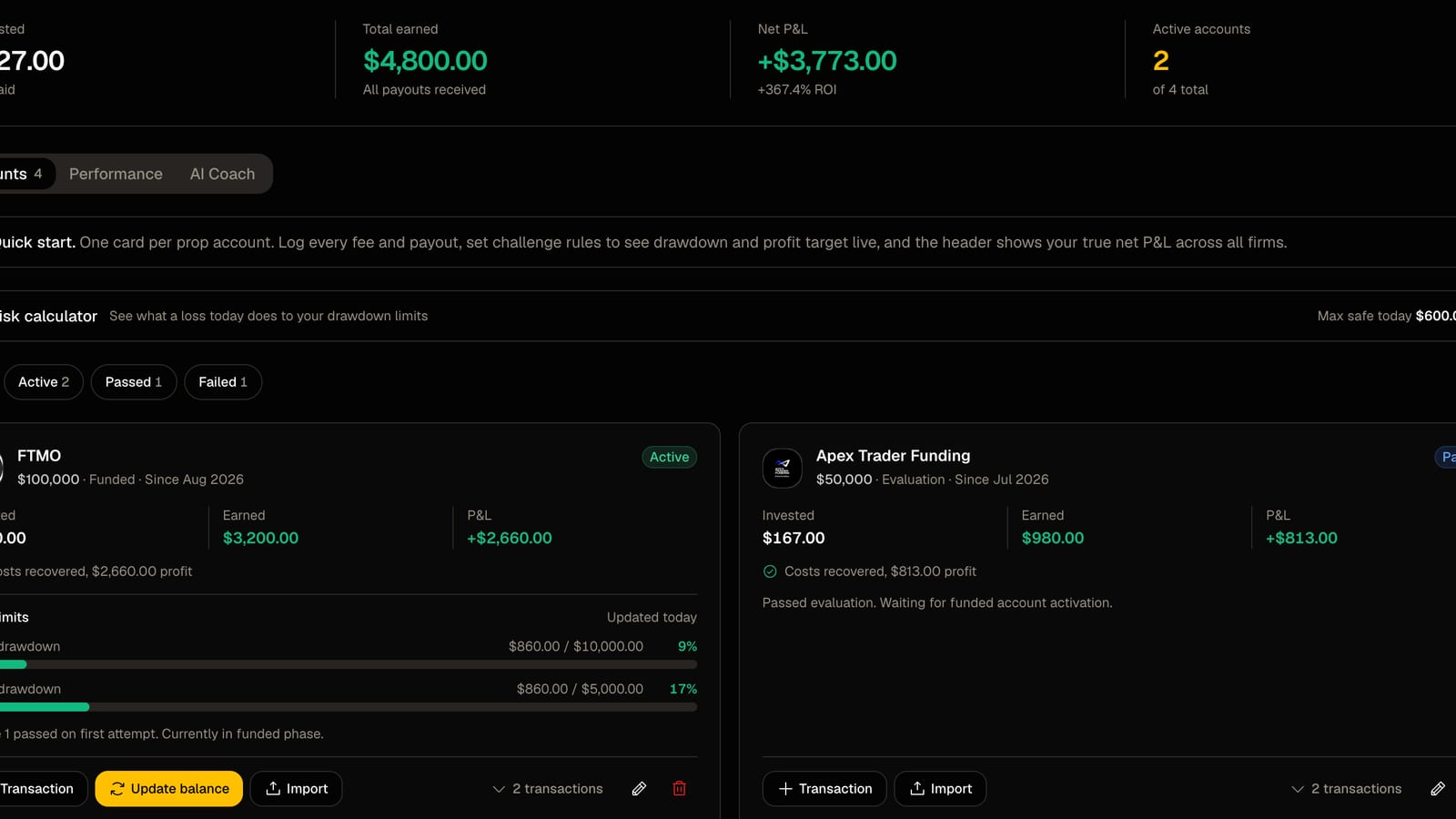
Prop firms2 min read
How to track several prop firm accounts in one place
Every fee, payout, drawdown limit and target on one screen instead of three dashboards and a spreadsheet.
Read postTracking Topstep with FreeTradeJournal Questions
Common questions about the rules, the import, and what the journal does
Track every trade, spot what's working, and build consistency — with professional analytics, journaling, and performance tools. Free forever, no credit card required.
Trading Tools
Prop Firms
© 2026 FreeTradeJournal. All rights reserved.