
Why a journal
Tracking a Apex Trader Funding
account.
Apex rebuilt its program in March 2026: evaluations now come in two families — end-of-day trailing drawdown or intraday trailing drawdown — with a 100% payout split in the Performance Account, capped at six payouts. The number that ends accounts is the trailing threshold, and the rule that blocks payouts is consistency: your best day must stay under half your profit since the last payout.
Both are patterns a journal makes visible. Import your Tradovate or Rithmic trades into FreeTradeJournal and you get daily P&L, your equity curve against the trailing floor, the share your best day carries, and notes tied to the sessions that mattered.
The free plan covers it: unlimited logging, CSV import, analytics, and a prop firm tracker. Here are the current rules and the exact export steps.

Apex Trader Funding at a glance
- Account sizes
- $25K, $50K, $100K, $150K futures evaluations, in EOD Drawdown or Intraday Trailing Drawdown families (legacy $25K-$300K accounts are no longer sold)
- Profit target
- $1,500 / $3,000 / $6,000 / $9,000 by account size; no consistency rule during the evaluation, no minimum days — passable in one day
- Daily loss limit
- EOD evaluations: fixed at $500 to $2,000 by size — hitting it pauses the session, it does not fail the account. Intraday evaluations: none; the PA adds a tier-based one
- Trailing drawdown
- $1,000 / $2,000 / $3,000 / $4,000. EOD family: recalculated daily at 4:59:59 PM ET from the closing balance, enforced in real time next session. Intraday family: follows peak balance continuously, including unrealized gains
- Payout split
- 100% of Performance Account payouts, capped at 6 payouts per PA with per-request maximums, then the PA closes. Invitation-only Apex Live pays 90/10 on live profits
Rules verified 10 August 2026. Full table below.
The rules
What Apex Trader Funding
makes you track.
| Account sizes | $25K, $50K, $100K, $150K futures evaluations, in EOD Drawdown or Intraday Trailing Drawdown families (legacy $25K-$300K accounts are no longer sold) |
| Profit target | $1,500 / $3,000 / $6,000 / $9,000 by account size; no consistency rule during the evaluation, no minimum days — passable in one day |
| Trailing drawdown | $1,000 / $2,000 / $3,000 / $4,000. EOD family: recalculated daily at 4:59:59 PM ET from the closing balance, enforced in real time next session. Intraday family: follows peak balance continuously, including unrealized gains |
| Where the trailing stops | In the Performance Account it locks at starting balance plus $100; in Rithmic and WealthCharts evaluations it locks at the target; in Tradovate evaluations it trails indefinitely |
| Daily loss limit | EOD evaluations: fixed at $500 to $2,000 by size — hitting it pauses the session, it does not fail the account. Intraday evaluations: none; the PA adds a tier-based one |
| Payout split | 100% of Performance Account payouts, capped at 6 payouts per PA with per-request maximums, then the PA closes. Invitation-only Apex Live pays 90/10 on live profits |
| Payout gates | 5 qualifying trading days since the last payout (each with a minimum daily profit), $500 minimum, the Safety Net (drawdown plus $100) held for the life of the PA, and the 50% consistency rule on your best day |
| Platforms | Rithmic (NinjaTrader, R|Trader Pro, Sierra Chart and other front-ends), Tradovate (includes TradingView integration), or WealthCharts — chosen at checkout |
Rules verified against apextraderfunding.com's help center on 10 August 2026, covering the post-March 2026 products. Accounts bought before March 2026 run under different legacy rules, and much of what third-party sites say about Apex describes the old system — check the family-specific pages for your account.
How FreeTradeJournal helps
Every rule,
tracked for you.
Equity curve against the trailing floor
Whether your family trails end-of-day or intraday, the journal's equity curve and daily closes show how much buffer each session added or spent, and how far the floor has ratcheted up behind you.
Best-day share for the consistency rule
Payouts are blocked if your best day exceeds 50% of profit since the last payout. The daily breakdown shows that share at a glance, so you know before you request.
Qualifying-day progress
Each payout needs 5 days above a minimum profit. Daily P&L history shows which days qualified and how many you still need.
The true cost across up to 20 accounts
Apex traders often run several evaluations at once. PropTracker logs every evaluation fee, reset, activation, and payout so you know your real net across all of them — not just the account currently open.
A record of the bad days
Journal entries with emotion tags tie your notes to actual trades, so a blown evaluation becomes something you can study instead of repeat.
Getting your trades in
Import from
Tradovate or Rithmic.
Apex accounts run on Rithmic or Tradovate data, chosen at checkout. Both export your history as CSV:
Tradovate: log into the platform (web or desktop) and open Reports from the account drop-down.
Tradovate: choose the Orders report for your trade history, set the date range, and click Go.
Tradovate: click Download Report — the CSV saves to your computer.
Rithmic: in R|Trader Pro, export the order or trade history window to CSV; in NinjaTrader, right-click the Trade Performance grid and choose Export.
In FreeTradeJournal, open Trades and use Import CSV. The column-mapping step lets you match your platform's columns in a few clicks.
Re-export with a fresh date range whenever you want to top the journal up; duplicate trades are flagged on import.
Track your Apex Trader Funding account free
No credit card. Import your trades and see your stats in minutes.
Guides
Reading for Apex Trader Funding traders
Import walkthroughs and evaluation habits from the blog, written by the person who builds the journal.
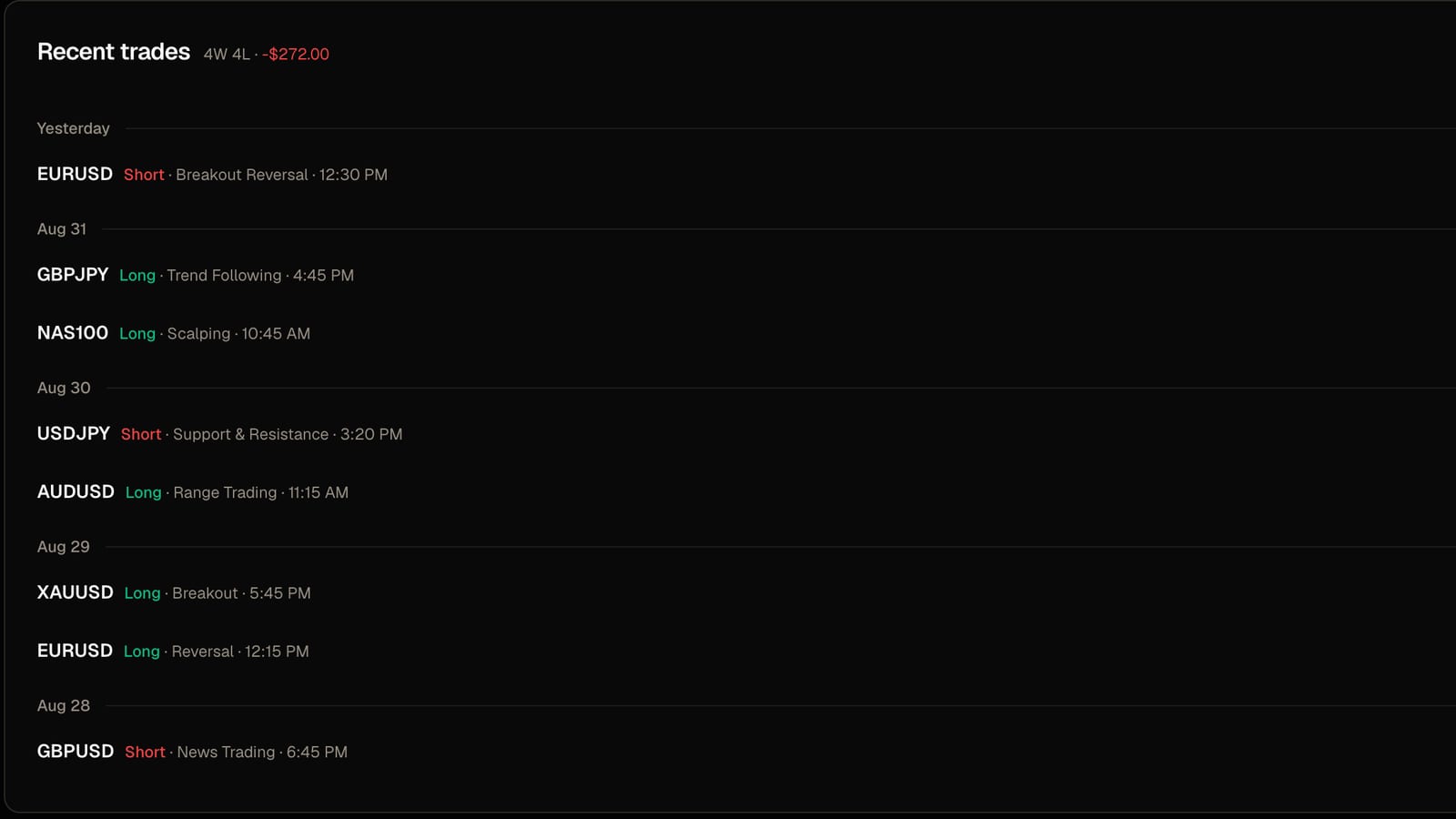
Imports3 min read
How to import Tradovate and NinjaTrader trades into a journal
Which file to export, what the importer does with your fills, and the one setting that stops your trades landing on the wrong day.
Read post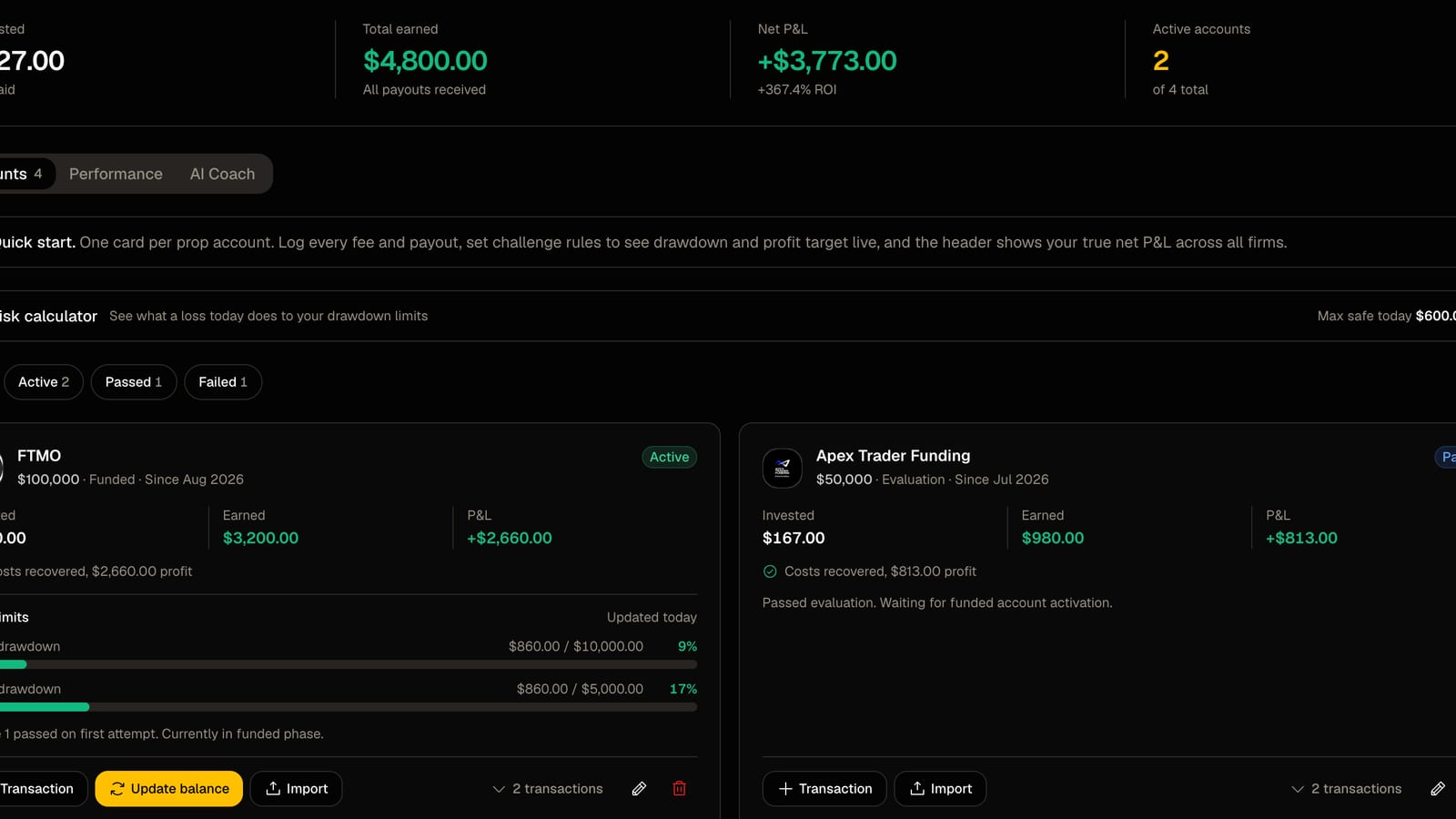
Prop firms2 min read
How to track several prop firm accounts in one place
Every fee, payout, drawdown limit and target on one screen instead of three dashboards and a spreadsheet.
Read post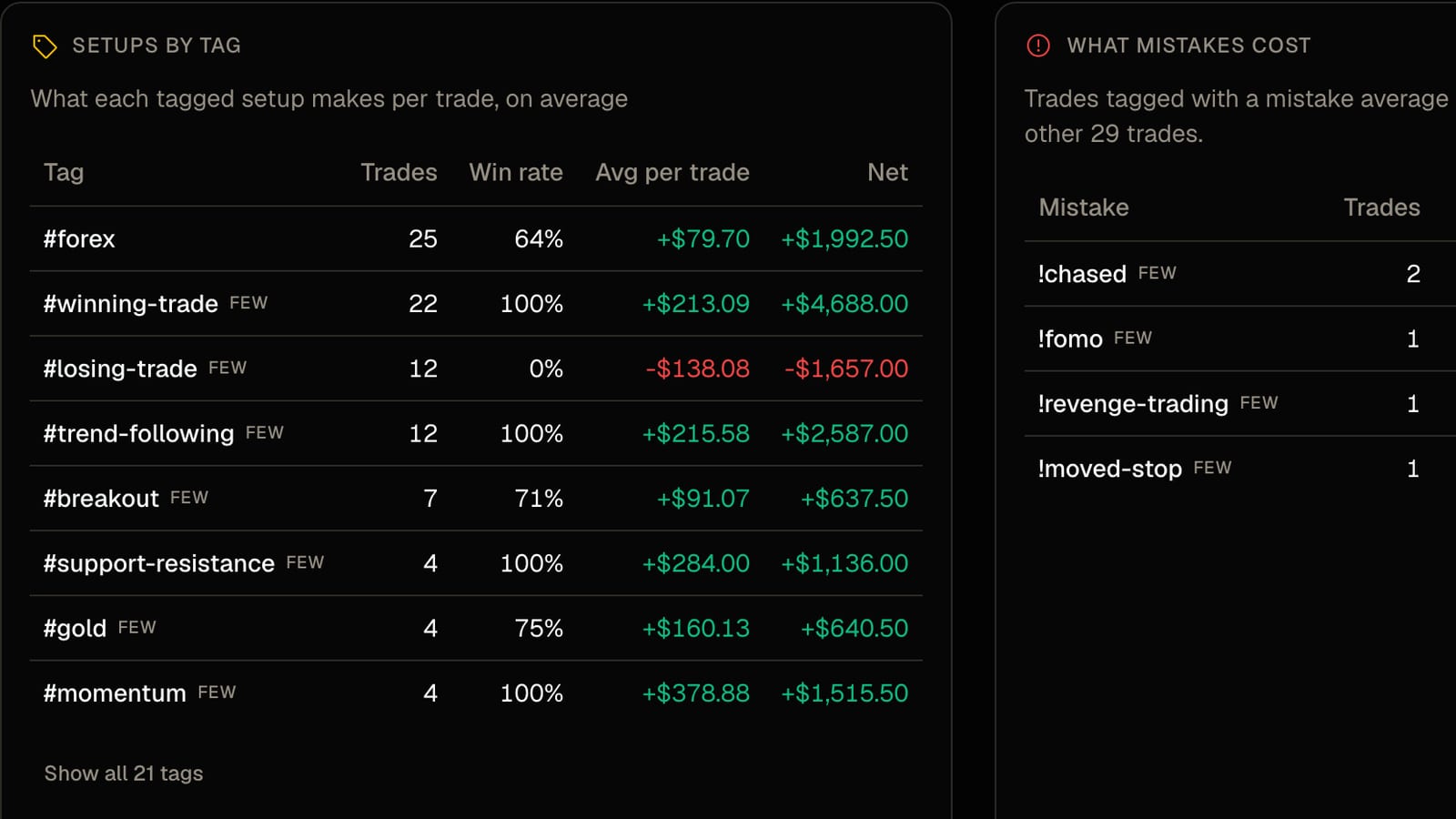
Journaling2 min read
Tag your setups, then find out which ones actually pay
A tag costs two seconds at entry. A month later it tells you what each setup earns per trade and what each mistake costs.
Read postTracking Apex Trader Funding with FreeTradeJournal Questions
Common questions about the rules, the import, and what the journal does
Track every trade, spot what's working, and build consistency — with professional analytics, journaling, and performance tools. Free forever, no credit card required.
Trading Tools
Prop Firms
© 2026 FreeTradeJournal. All rights reserved.