
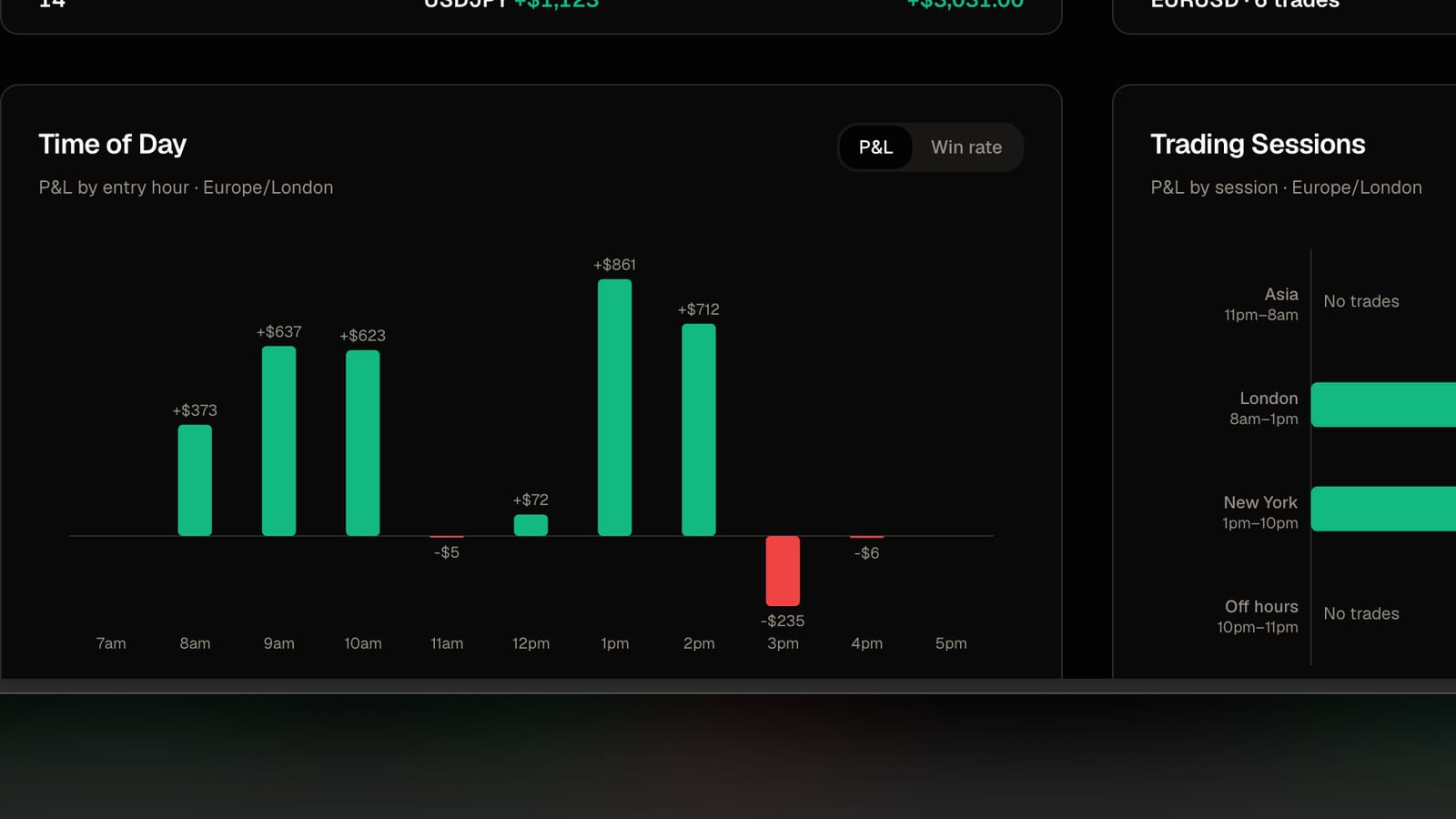
A trader emailed me in September because his Sunday evening trades were showing up on Monday. He was right, and the cause is worth explaining because it catches almost everyone who imports from a broker at least once.
The problem
A CSV from your broker has a time on every row. What it does not have is a time zone. The file just says 22:15. It does not say 22:15 where.
An MT4 or MT5 server usually runs on its own clock, typically two or three hours ahead of UTC. A Tradovate or NinjaTrader export uses the time that was on your screen, which is your local time. A broker portal export might be UTC. The file looks the same in every case.
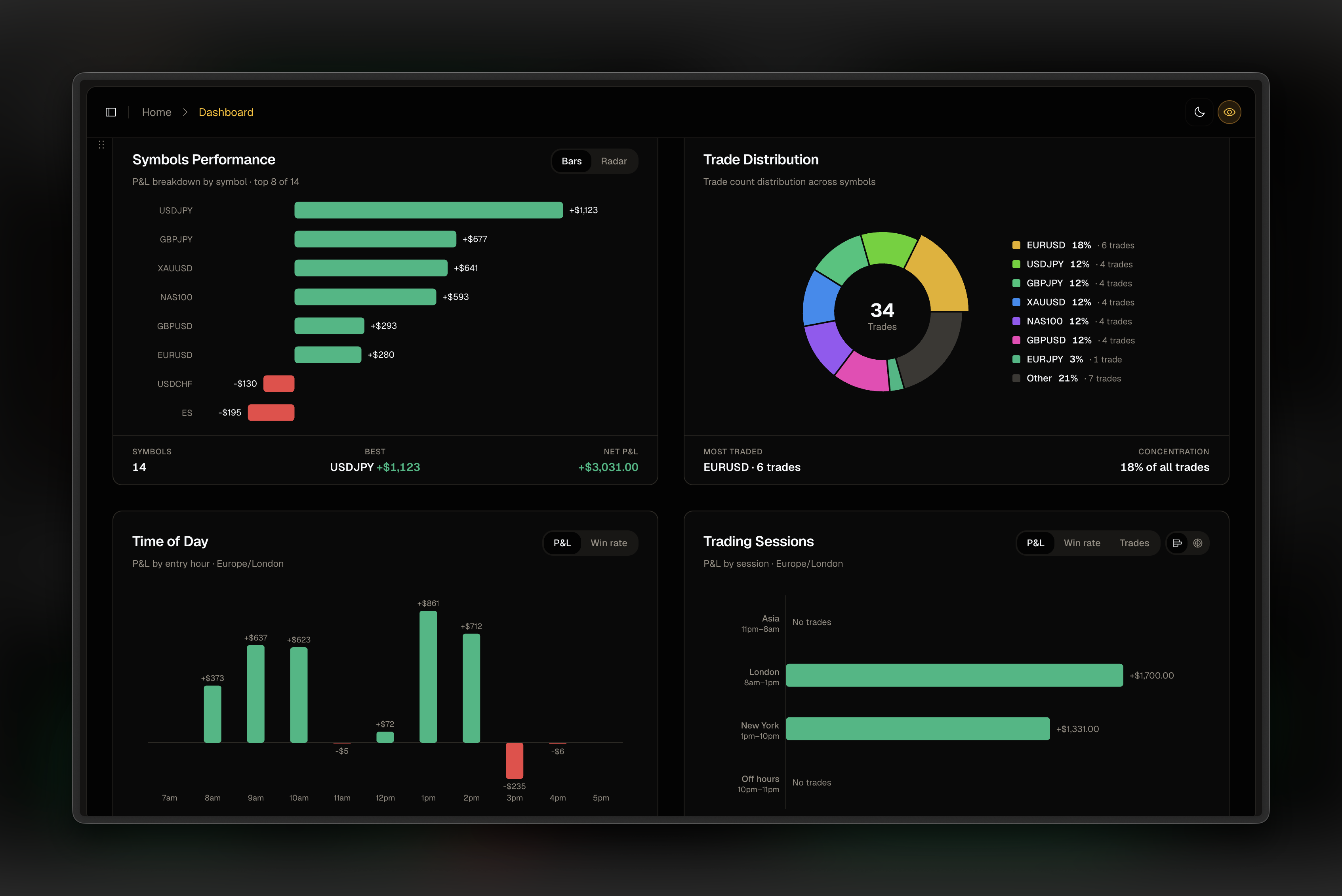
If a journal reads 22:15 as 22:15 in your local time when it was really 22:15 on a server three hours ahead, every trade moves by three hours. Most of the time you would never notice. Late in the evening you notice, because the trade crosses midnight and lands on tomorrow. Your Friday close becomes a Saturday trade, your Sunday open becomes a Monday, and your session breakdown quietly stops meaning anything.
The fix in FreeTradeJournal
Each trading account has a broker time zone. It lives in Settings, under Accounts. Set it once for each account and every future import converts times correctly. The choices are:
- Same as this device. For Tradovate and NinjaTrader, whose files use the time you saw on screen. This is the default.
- MT4/MT5 server time. For MetaTrader exports. Most servers sit at UTC+2 in winter and UTC+3 in summer, and this option follows that.
- UTC / GMT. For broker portals that export in UTC.
- US Central. Only if your platform actually displays Chicago time. Being with a Chicago prop firm is not the same thing.
- US Eastern and UK (London) for platforms set to those.
Existing accounts keep behaving exactly as before until you pick one, so nothing you have already imported moves.
The guard rail
The trader in the story had picked US Central because his firm was in Chicago, while his platform was showing London time. Every import shifted his trades six hours forward. Since then the importer checks the result before saving. If the account's time zone would put any trade in the future, the preview says so and stops the import. That catches the common mistake, where the chosen zone is behind the real one. It cannot catch the opposite mistake, where trades shift earlier, so it is still worth looking at the preview times once.
How to check your own account
Open a recent import in the Trade Log and compare the time on one trade with the time on your platform. They should match. If they are off by a fixed number of hours, change the account's broker time zone, delete that import and run it again.
If you are not sure what clock your platform uses, the MetaTrader Market Watch window shows server time in its title bar. Tradovate and NinjaTrader show your local time unless you changed it.
Import a file and check the preview. The setting is on the free plan like everything else about importing.
FreeTradeJournal is the journal this post is about. Unlimited trades, broker CSV import and goal tracking on the free plan. No card required.
Start journaling freeRead next
Import trades from a screenshot when there is no export