
Most forex traders I talk to journal the same way. They do not. The trades are "in MetaTrader somewhere", the account history tab counts as a record, and the actual review never happens.
The usual reason is friction. MetaTrader does not make your history easy to work with, and most journals that import MT4 or MT5 data want you to install an EA, run a plugin, or pay for the privilege.
You do not need any of that. Here is the no-plugin way.
Export your history from MetaTrader
MT5. Open the Toolbox, go to the History tab, right-click and choose Positions, then right-click again and export. You get a position history file with one row per closed position, which is exactly what a journal wants.
MT4. Go to the Account History tab, right-click, and choose Save as Report or export the history.
Broker portals work too. IC Markets, Pepperstone and most MetaTrader brokers let you download trade history as a CSV from the client area.
Drop it into FreeTradeJournal
The importer was built for the mess that MetaTrader exports actually are:
- The preamble is handled. MT5 files bury the real header under rows of account info. The importer finds it.
- European formats are handled. Dates like
2025.08.28or28.08.2025, semicolon-separated files and comma decimals are all recognised. A loss written as−123,45imports as a loss, not a gain. - Commission and swap are captured separately and subtracted, so the P&L you journal is the money that actually hit your account. Most traders who journal gross numbers are flattering themselves by exactly the amount of their costs.
- Forex precision is kept. Your EURUSD entry shows as 1.08523, not rounded to two decimals. JPY pairs keep three.
If a file has a layout the importer does not recognise, a mapping dialog lets you match the columns once and you are through. There is also a screenshot import if you would rather not export at all.
What you get on the other side
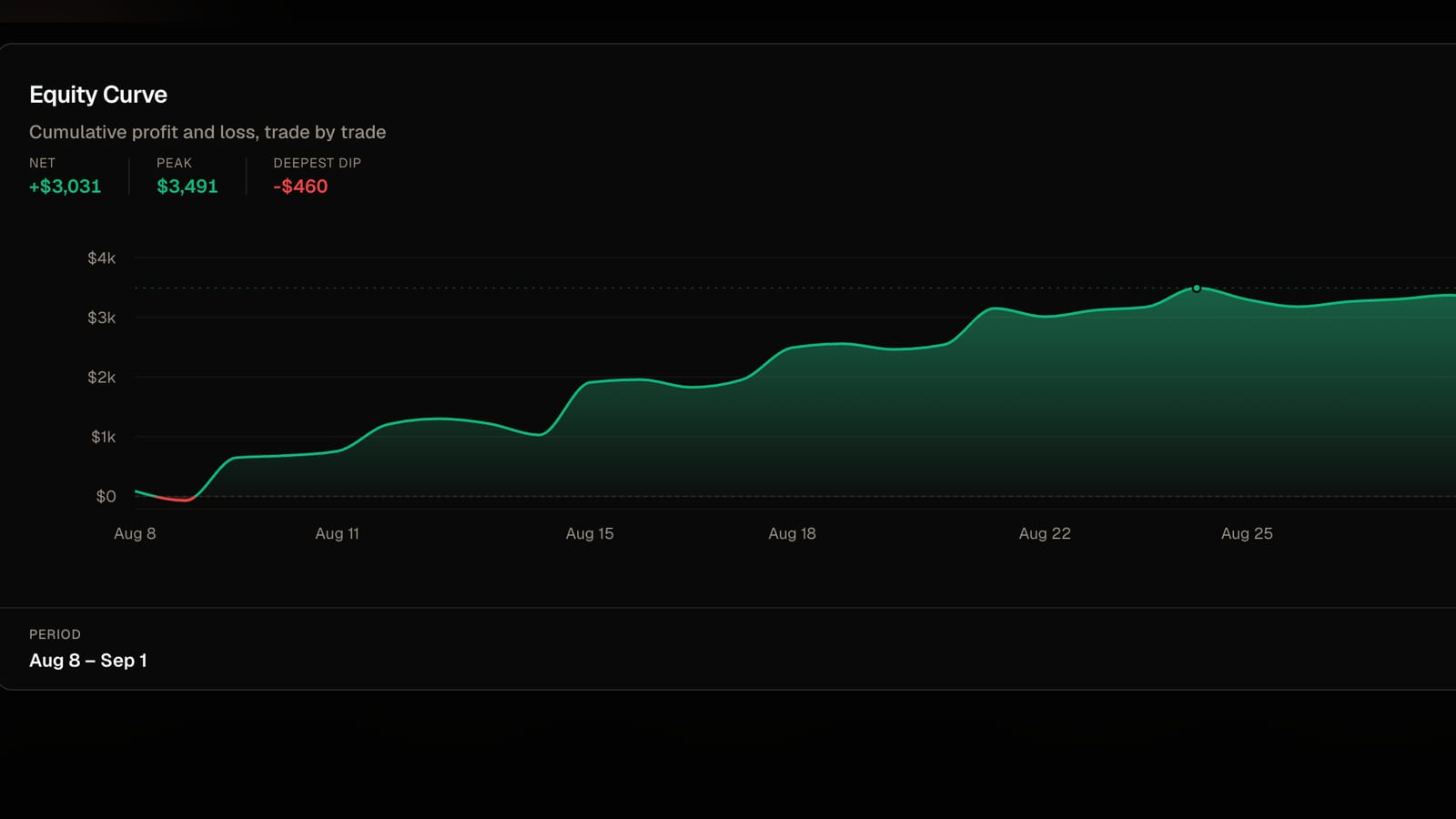
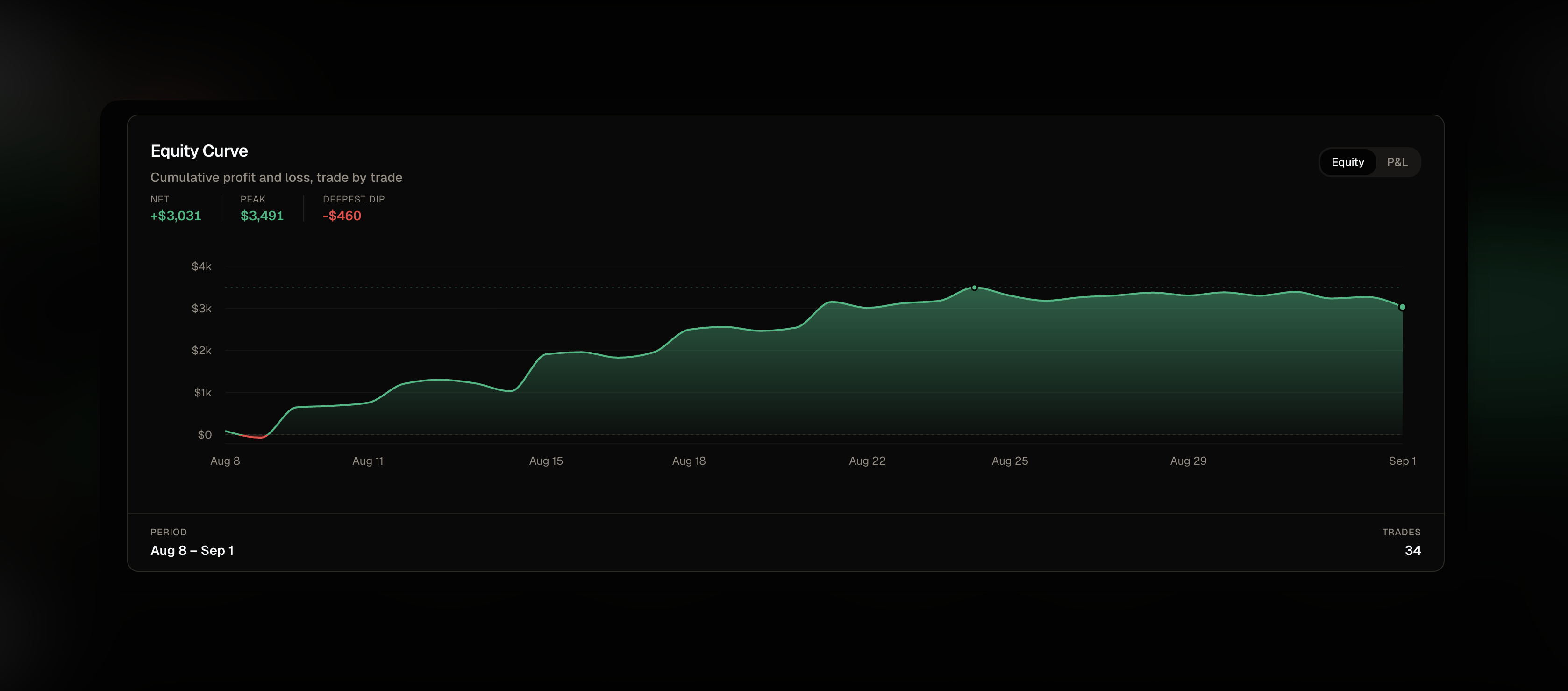
Once your positions are in, the analytics do the work MetaTrader never will. Win rate by pair, by session, by day of the week. Average winner against average loser. A calendar heatmap of your P&L. Risk rules that warn you when today's losses cross the line you set.
All of it lives in the free forex trading journal, with pips worked out per pair and sessions broken out.
Add a note and how you felt on each trade, and after a month you can see whether your "I knew better" trades are a rounding error or half your losses. For most people it is not a rounding error.
What about automatic sync?
There is no live MetaTrader sync, and I am not going to promise one. CSV import is free and it takes two minutes a week. Two minutes a week is far more journaling than most forex traders do.
Start with your last month of trades. Export, drop, and look at your win rate by session.
FreeTradeJournal is the journal this post is about. Unlimited trades, broker CSV import and goal tracking on the free plan. No card required.
Start journaling freeRead next
A free trading journal built for prop firm traders